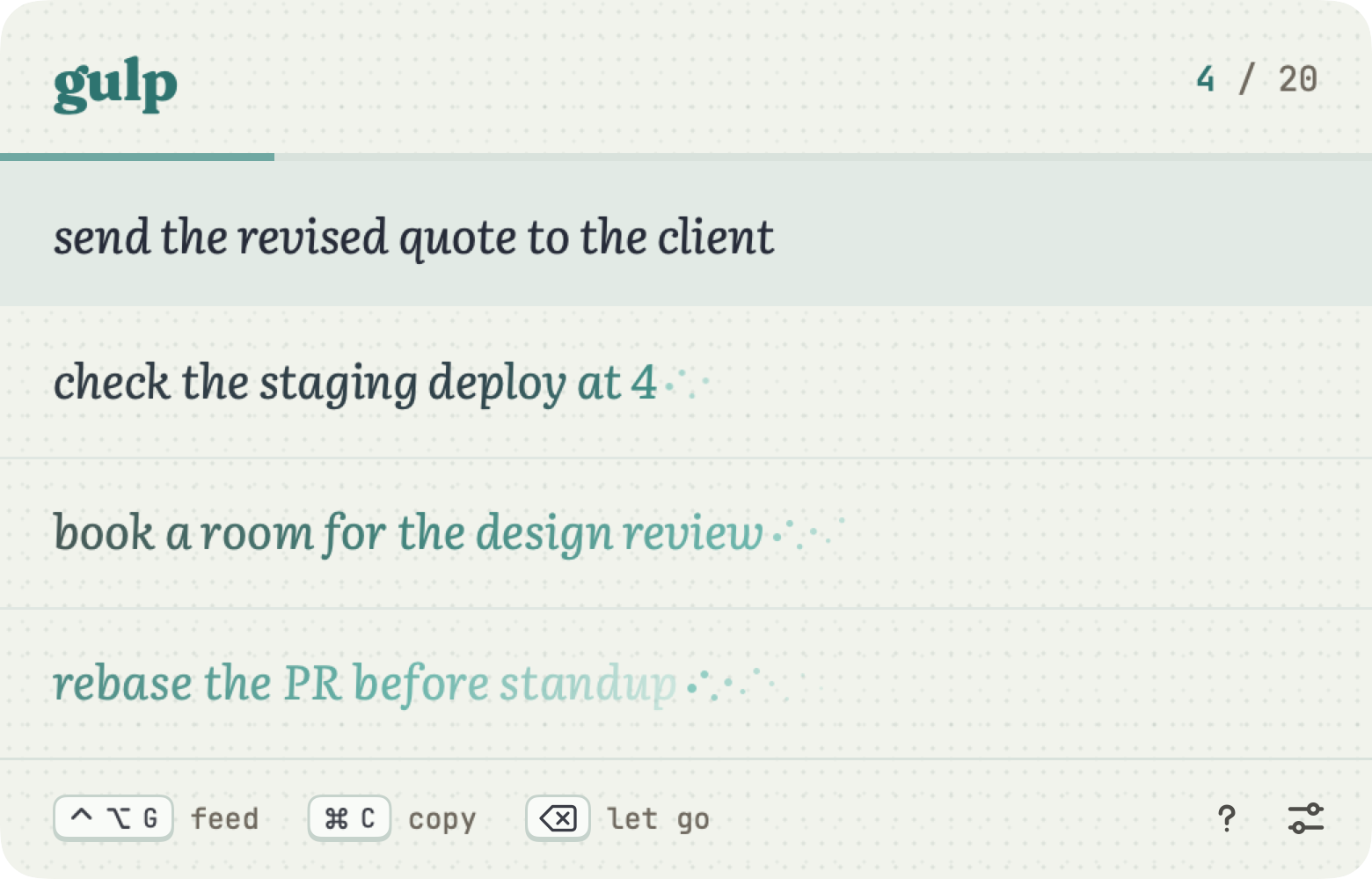
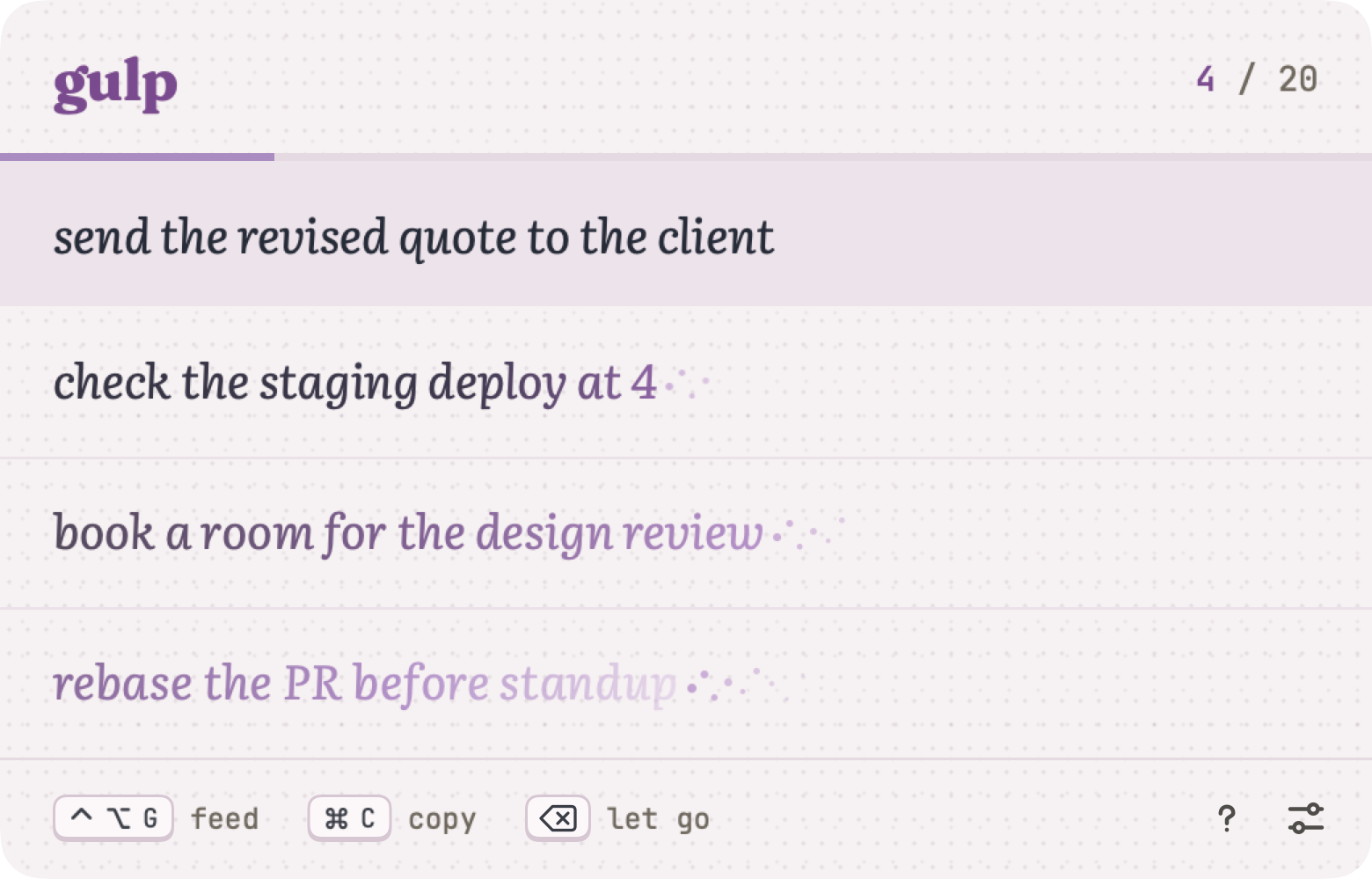
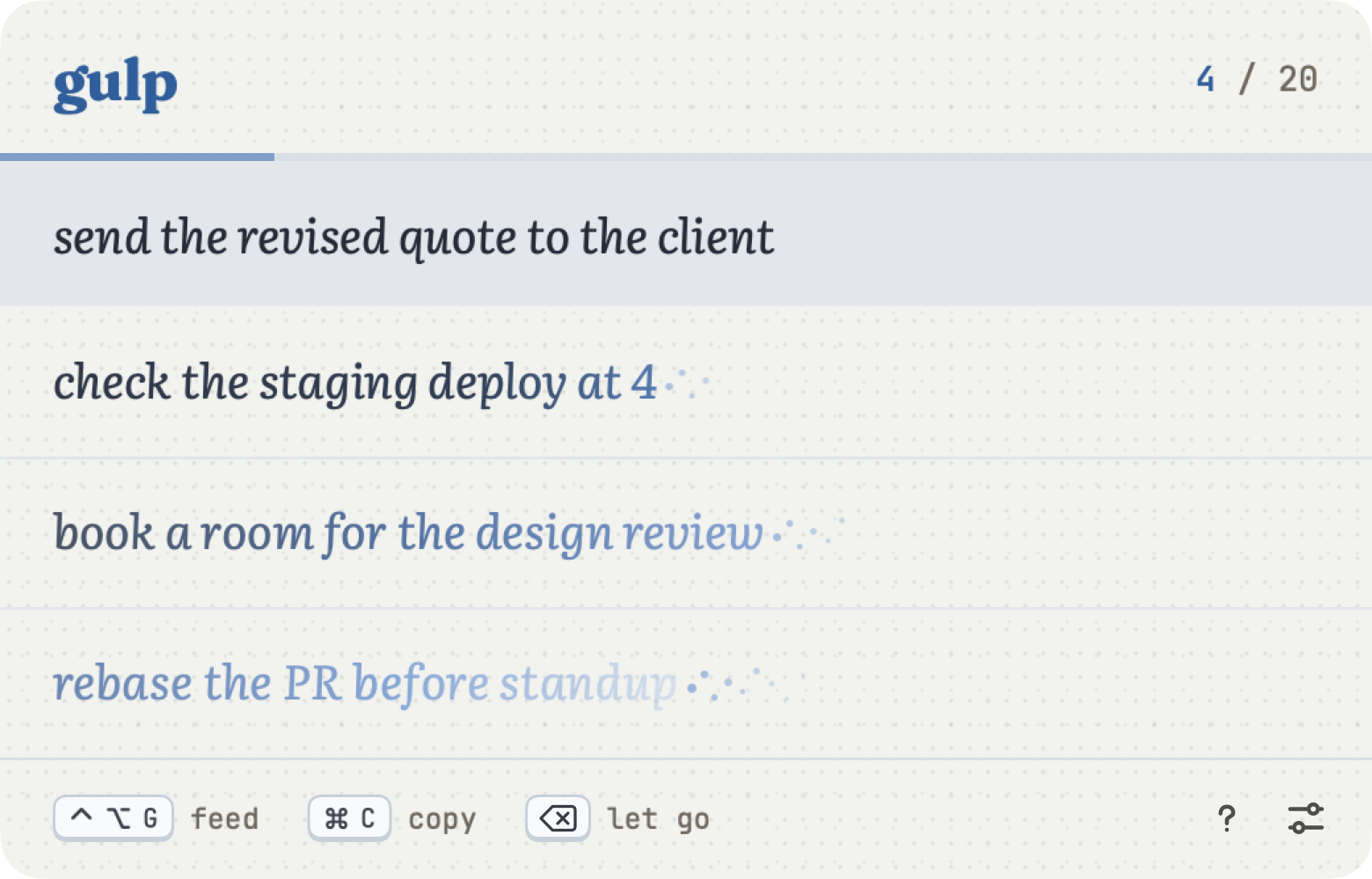
one line
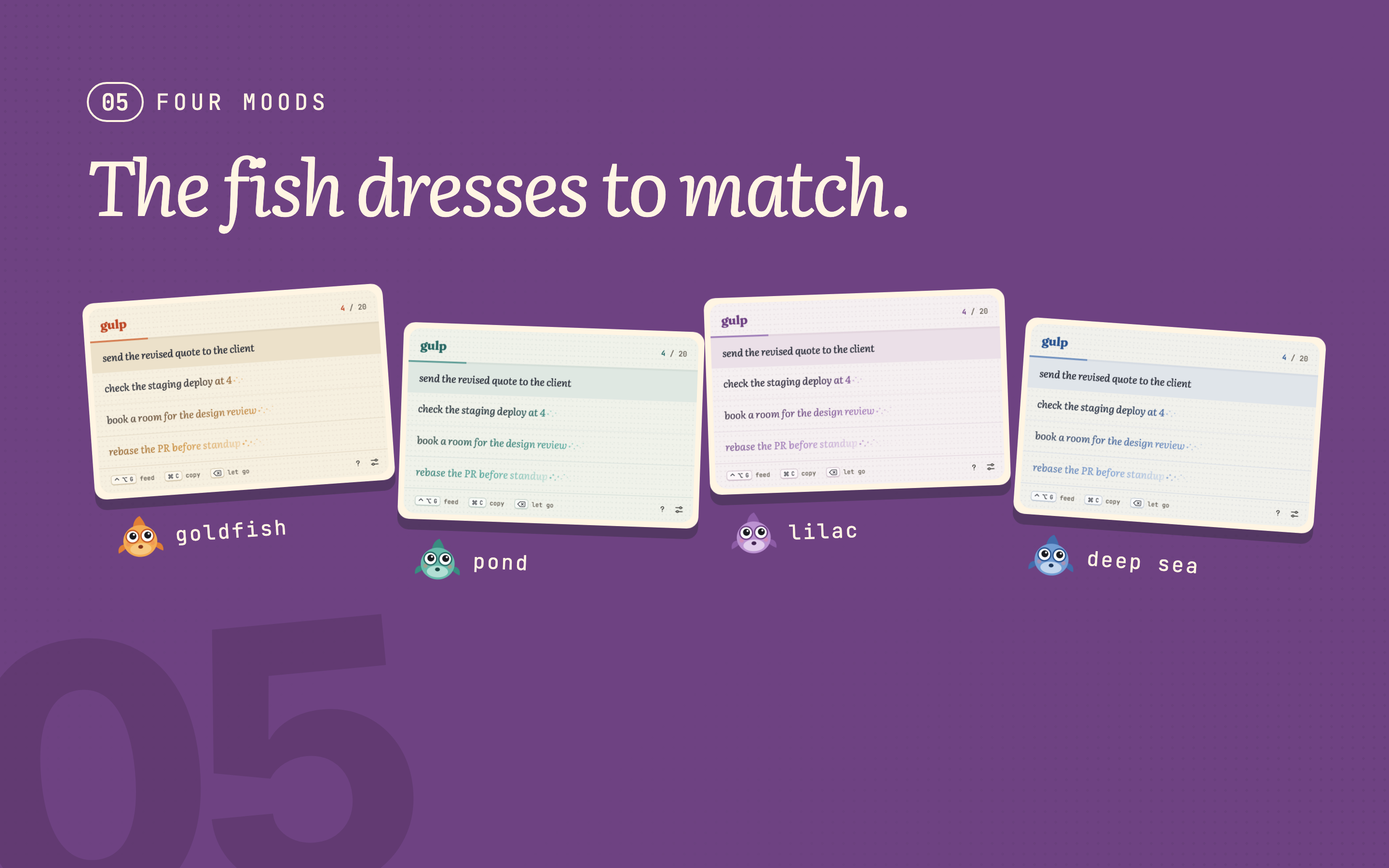
Gulp is a goldfish in your Mac’s menu bar that holds quick notes for a few hours, then forgets them.
Everything here is yours to use: words, screenshots, clips with no voiceover, and the app’s own UI on transparent backgrounds for your edits. No need to ask first.

Use as is, cut down, or rewrite in your own words.
Gulp is a goldfish in your Mac’s menu bar that holds quick notes for a few hours, then forgets them.
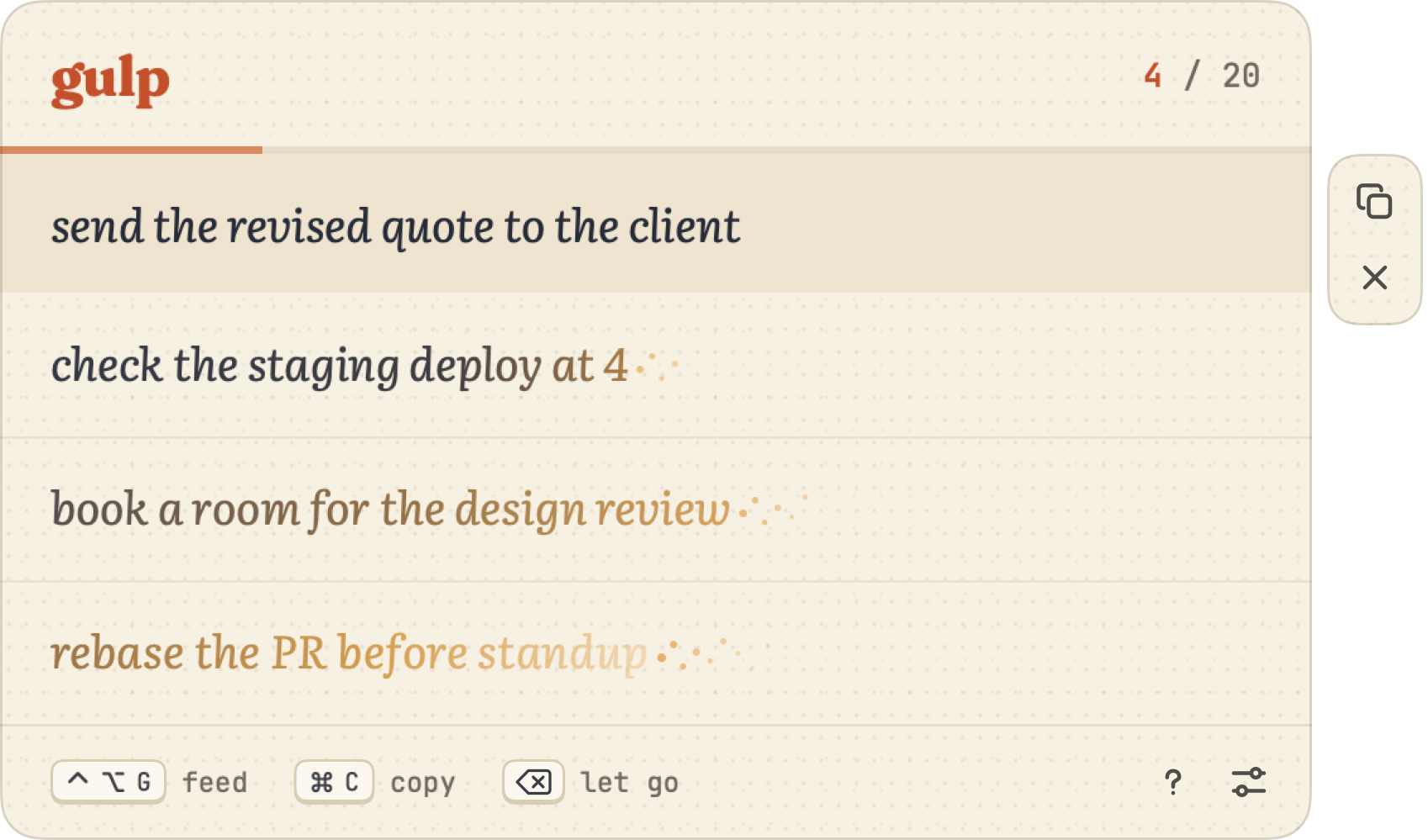
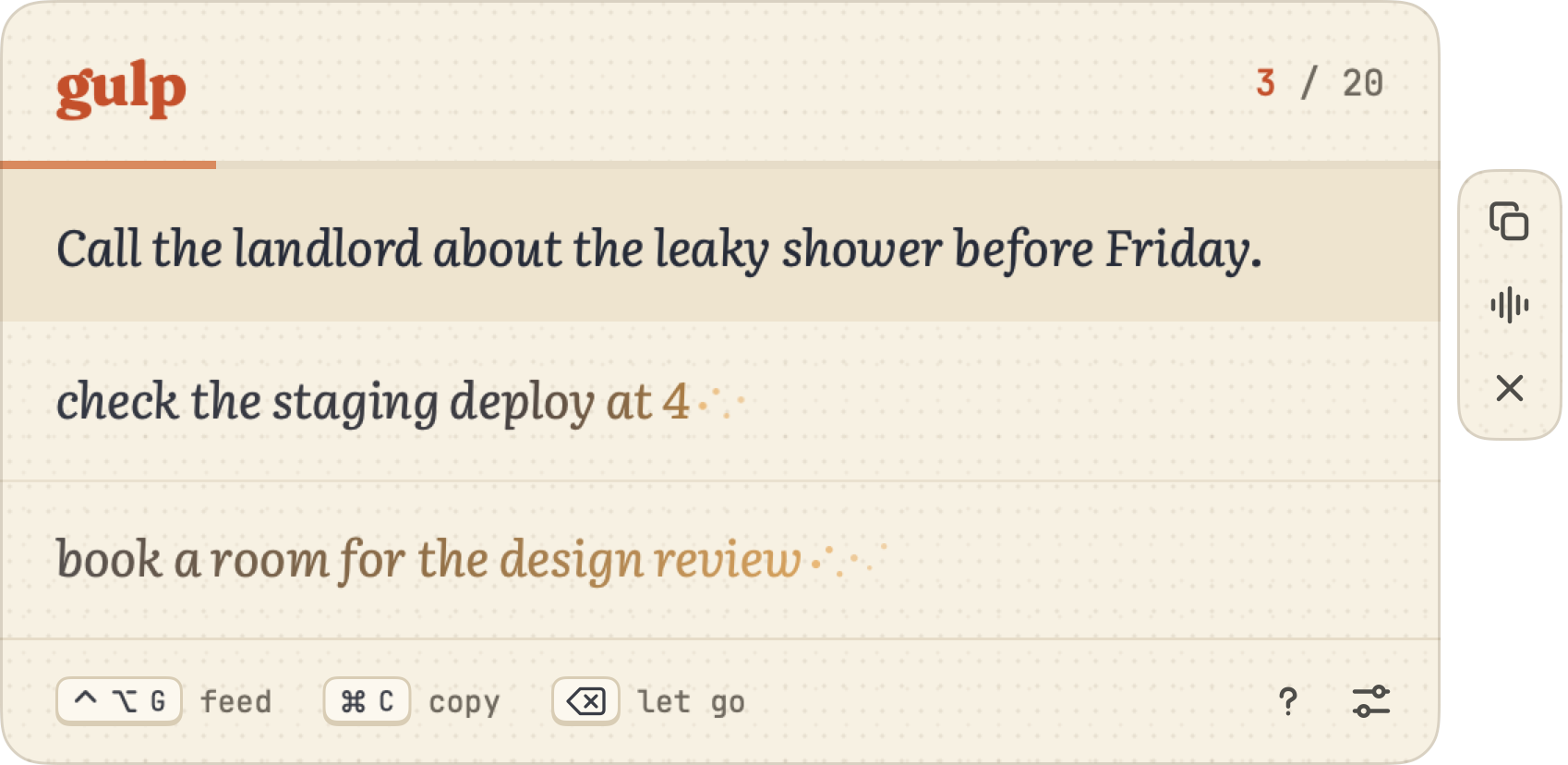
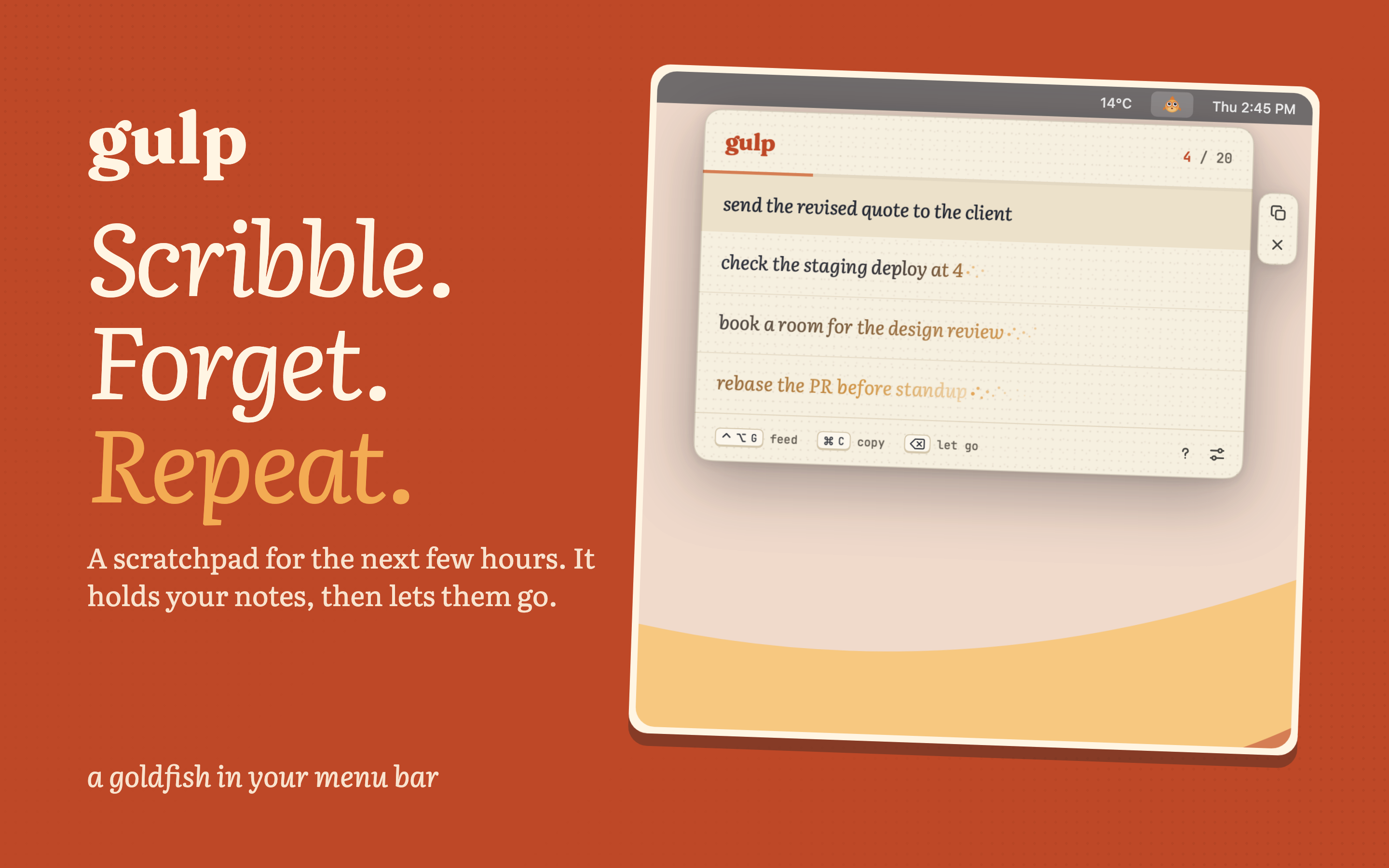
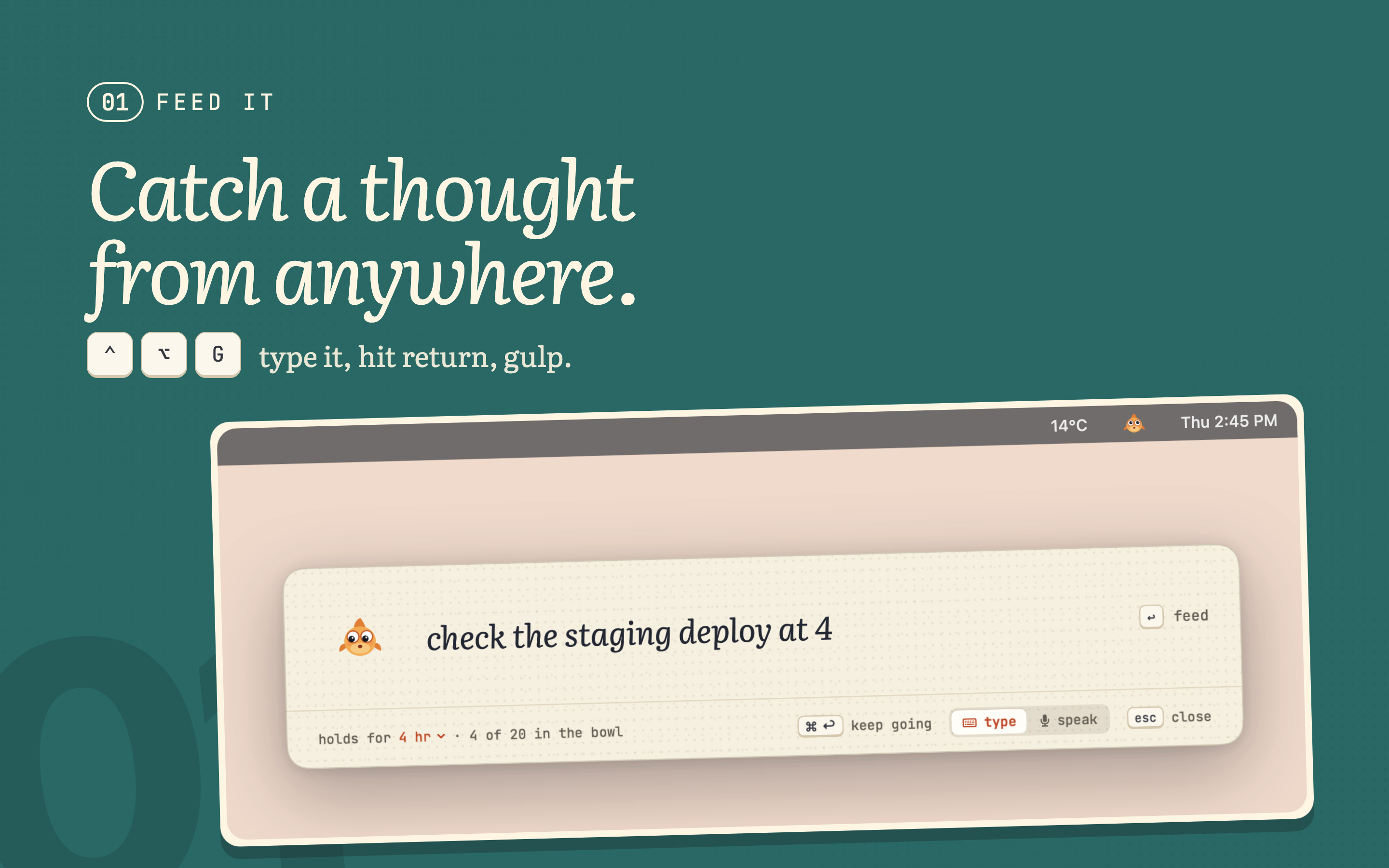
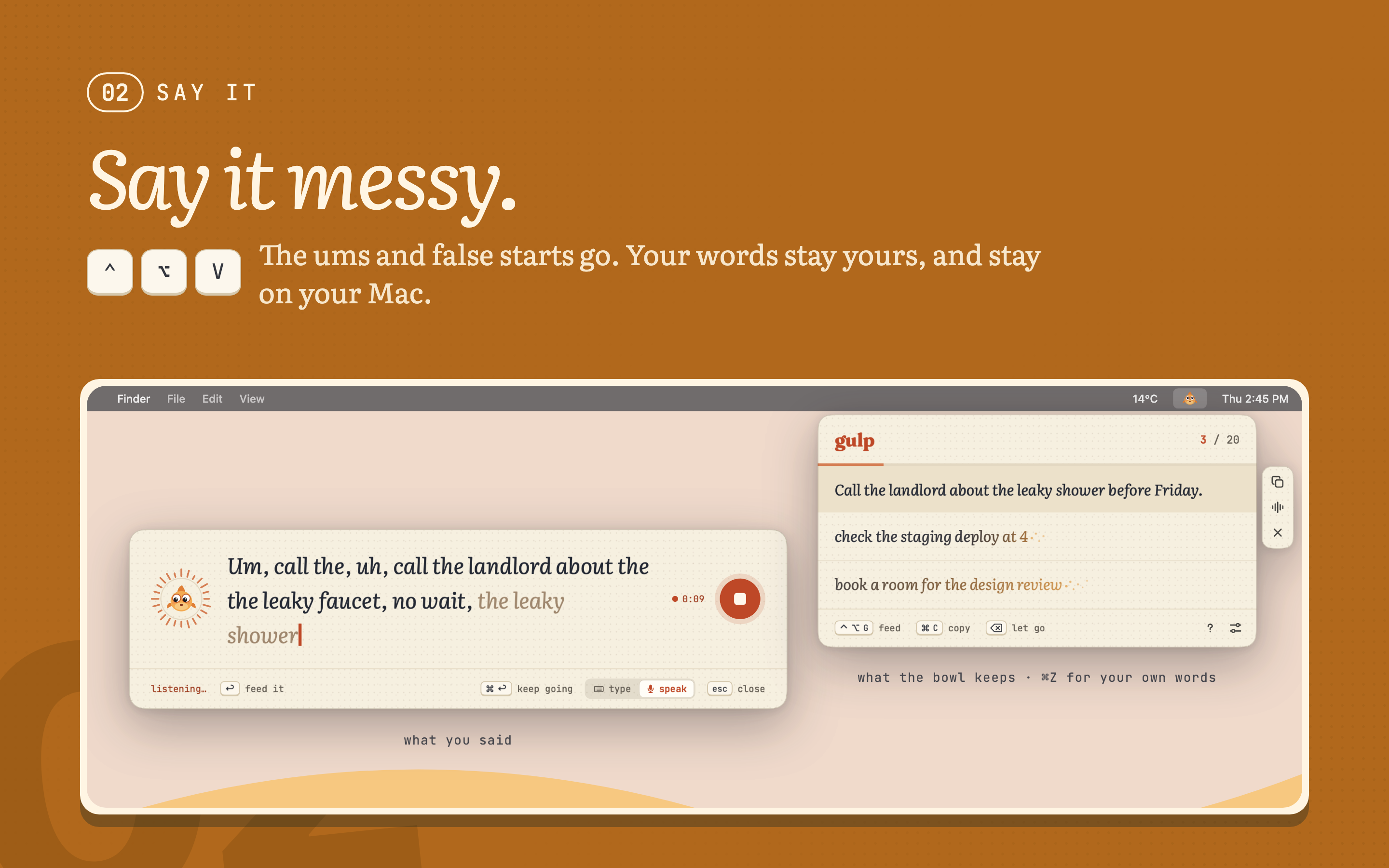
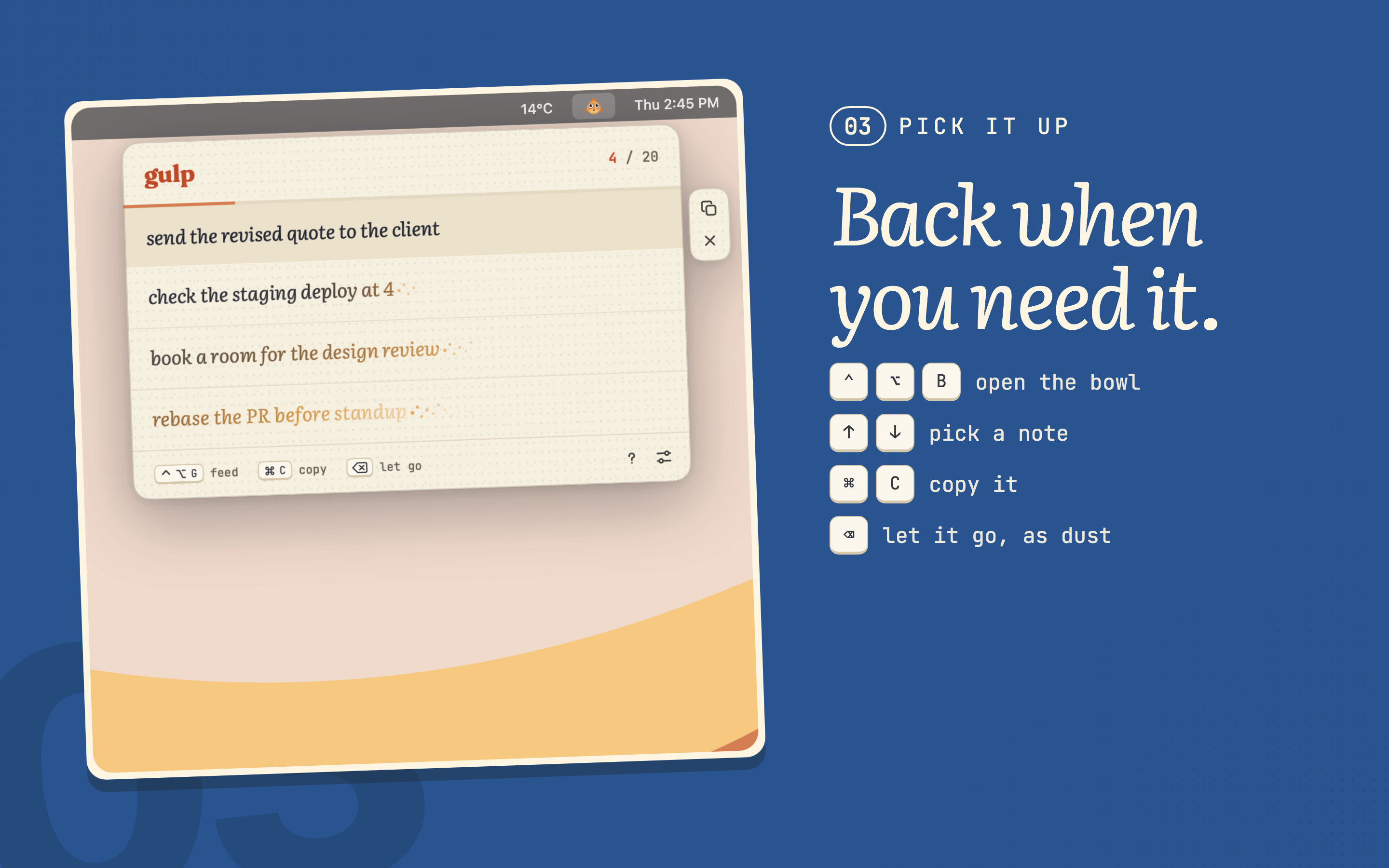
Gulp is a scratchpad that forgets. Press ⌃⌥G from any app, type the thing you’ll need in a bit, and hit return, or press ⌃⌥V and just say it. A goldfish in the menu bar holds it for a few hours while the ink slowly turns to gold, then it’s gone. Free, private, and entirely on your Mac.
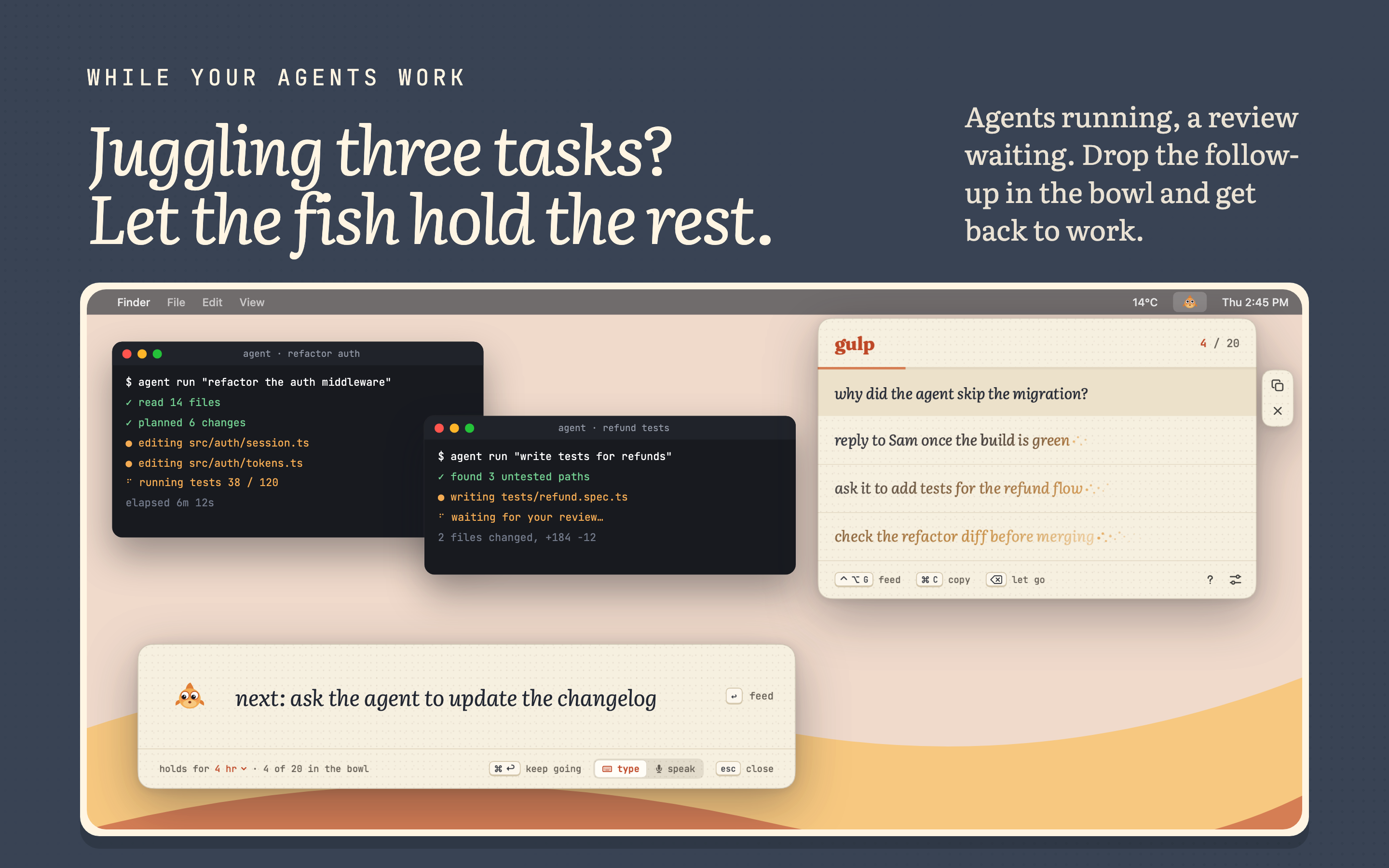
Most notes only matter for an hour: a Figma link to send after a call, a deploy to check at 4, the follow-up you think of while an AI agent is still running. They end up in Notes or TextEdit and never leave. Gulp is built for exactly those.
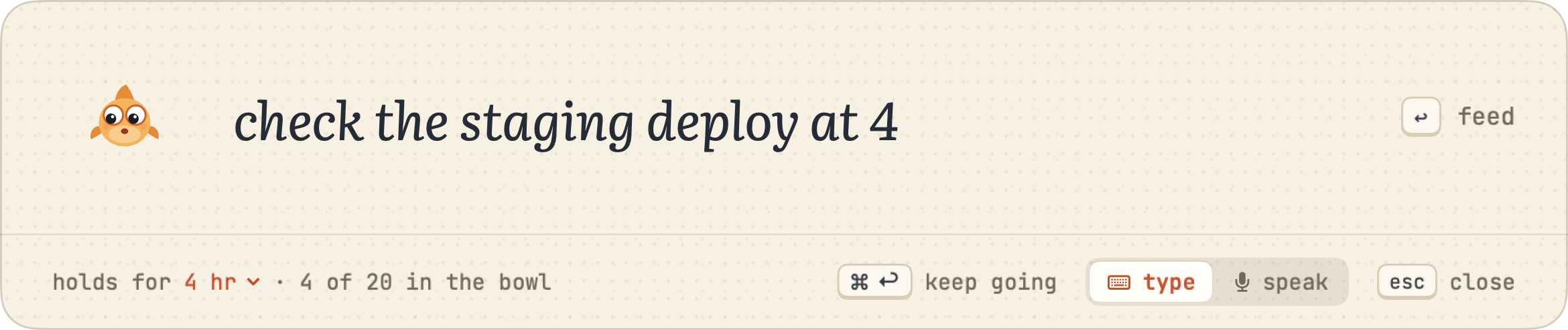
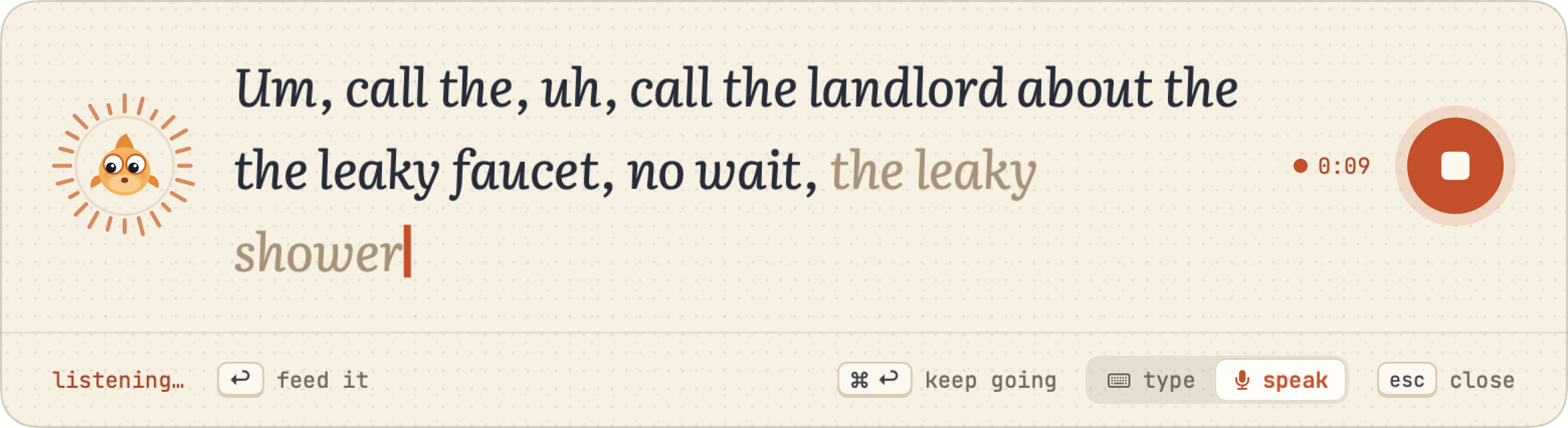
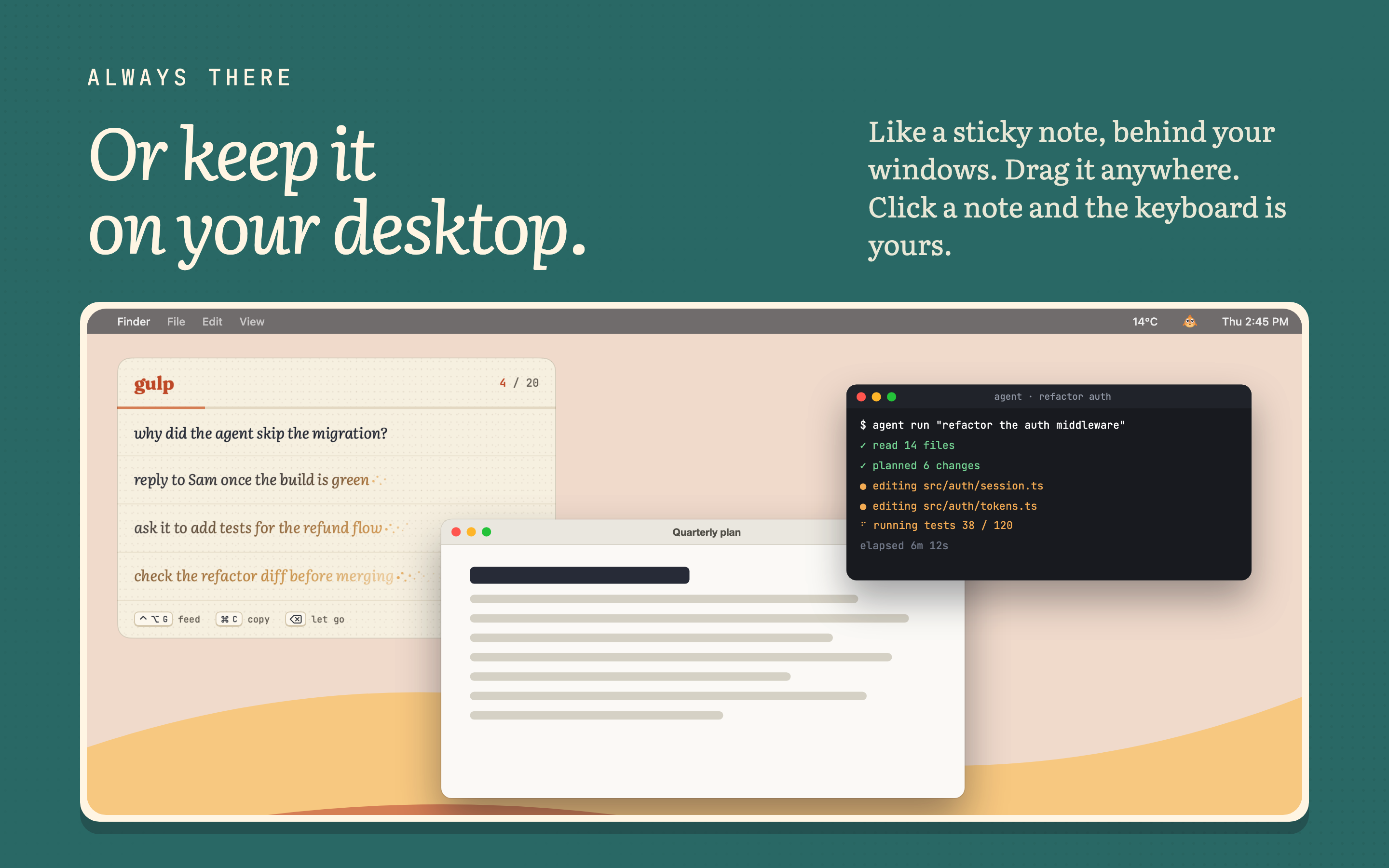
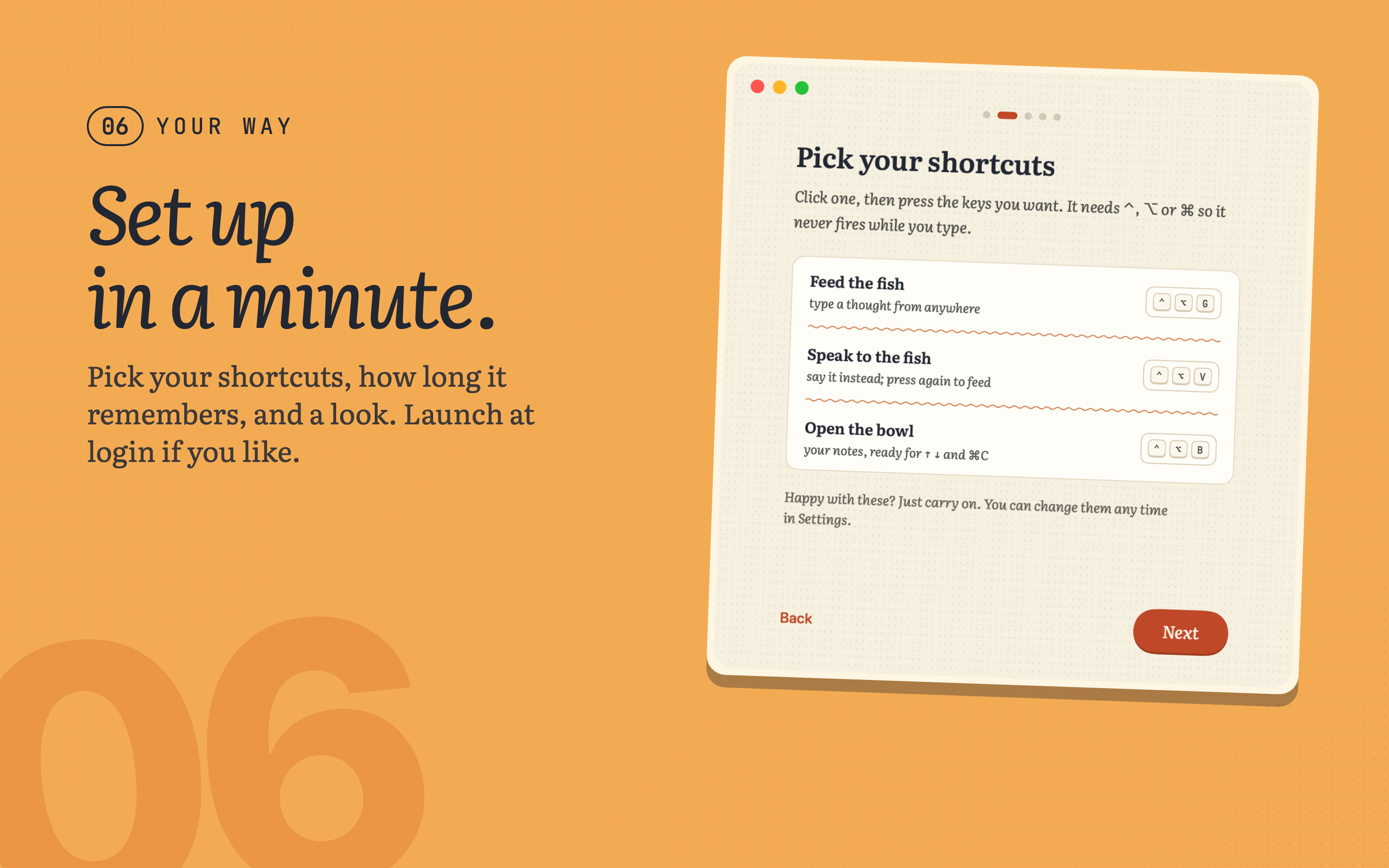
Press ⌃⌥G from anywhere, type, hit return, and the note crumbles into gold dust that streams up to a goldfish in the menu bar. Or press ⌃⌥V and talk, in any of more than 30 languages: speech is transcribed on the Mac, and in English the ums are tidied away. ⌃⌥B opens the bowl, or keep it on the desktop like a sticky note.
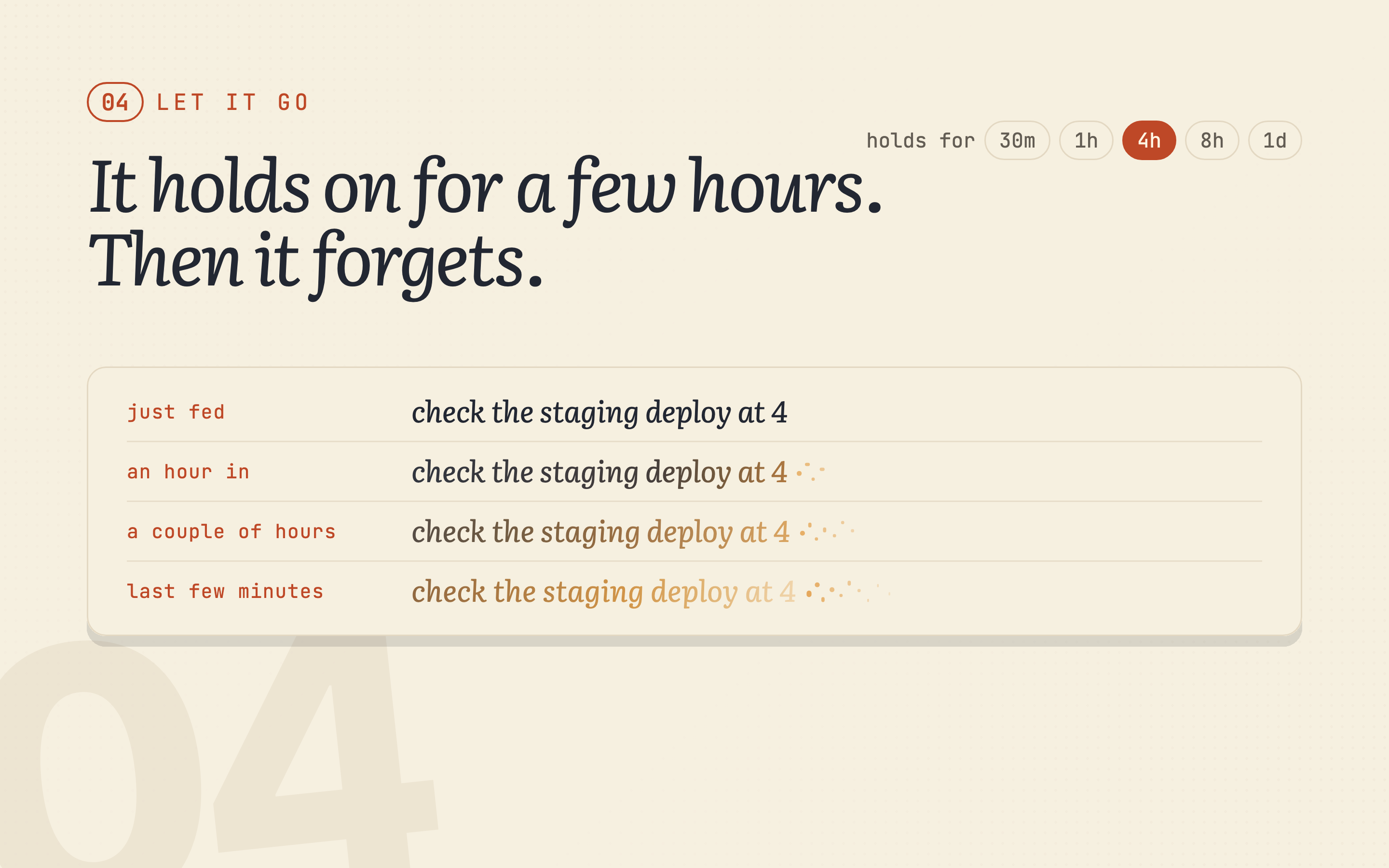
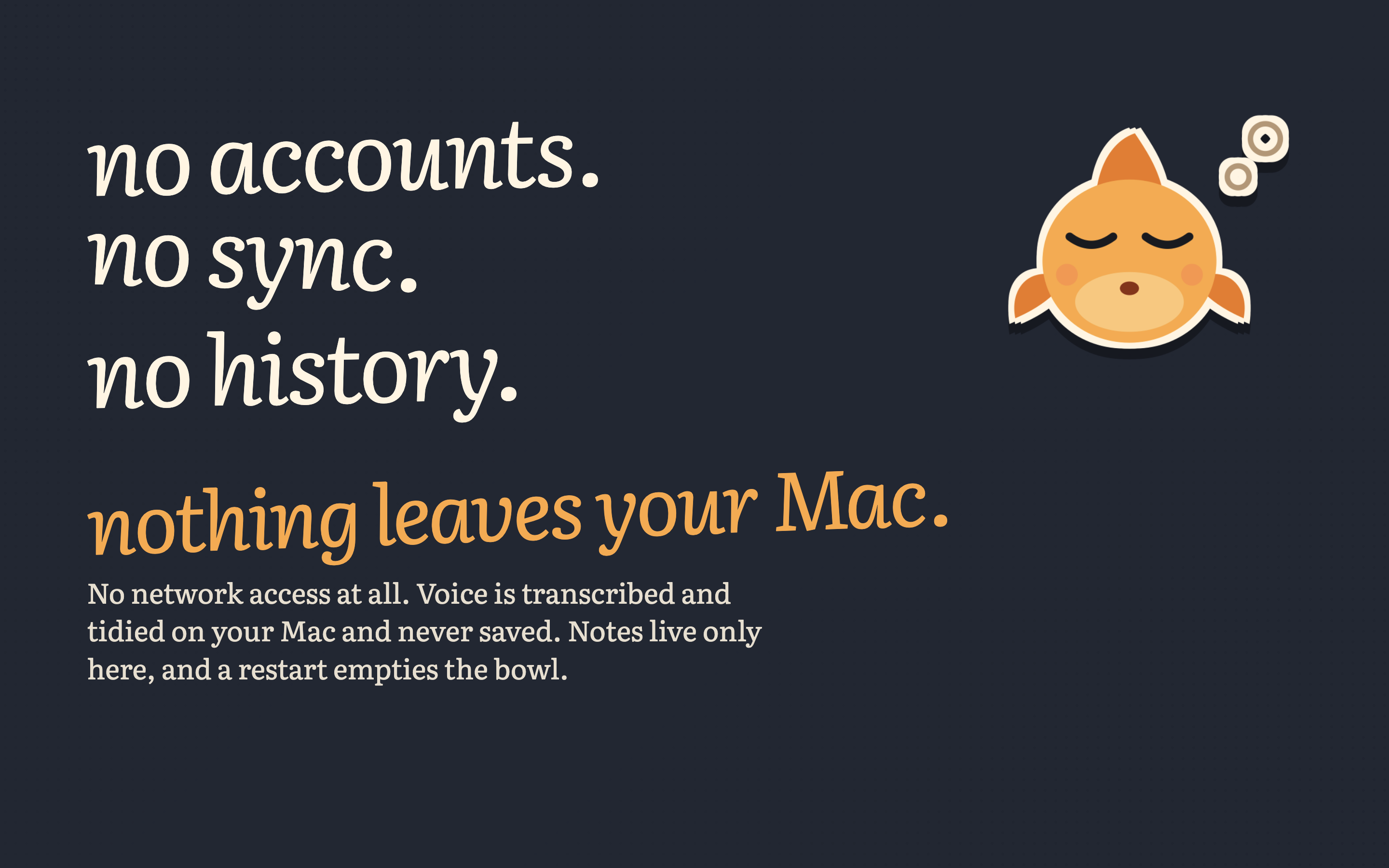
Every note fades on the same timer, from 30 minutes to a day. The ink turns gold as it ages, the fish gets nervous in a note’s last minute, and then it forgets. Nothing is saved, synced or sent anywhere.
Seven moments worth filming, and how to get them.
Small things to catch: the fish blinks, its eyes follow your pointer, and it wiggles in the menu bar when a note is about to go.
Music only, no voiceover. Use whole or cut into your own edit.
The App Store set, 2880×1800 PNG. Click any one for the full size.
Transparent PNGs at 3× straight from the app, for overlays and thumbnails.
The name is always lowercase: gulp. Set in Fraunces Bold; the app itself uses Literata and JetBrains Mono.
Need a different size, a clip of one feature, or a quick answer for a script? Write to the maker.